

How do I… Numbers and registration
 Write a Helpful HELP Message
Your Help message is the reply someone gets when they text HELP to your number. A good one tells people what your number is for and which keywords to use.
If you leave it blank, people get this reply, with your organization's name in front:
If your number has a donation fund, the first sentence also mentions donations.
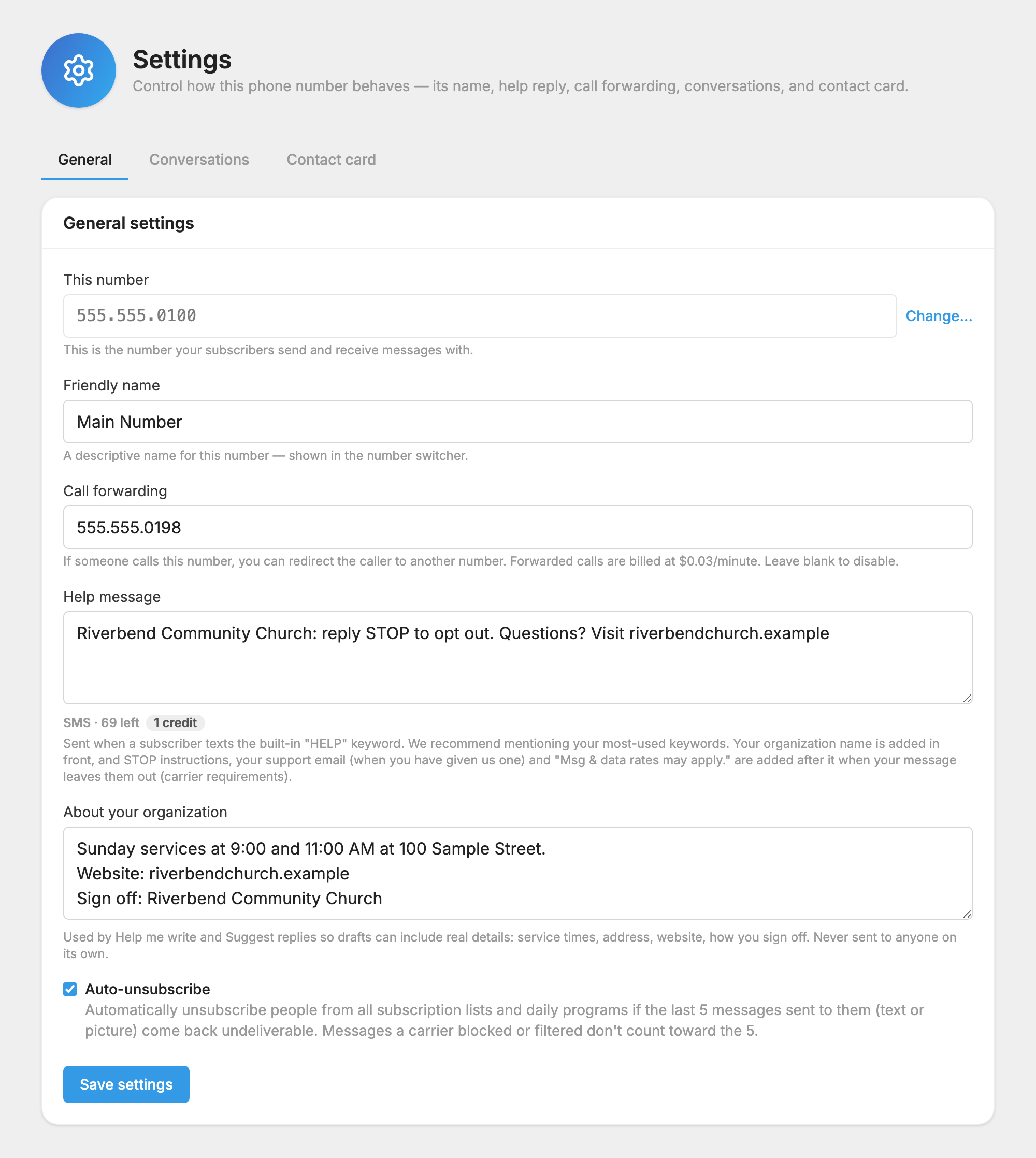
Change your Help message
- If you have more than one number, make sure the right one is selected.
- Open
 Settings.
- On the General tab, type your message in the Help message box. You can use up to 160 characters.
- Press Save settings.
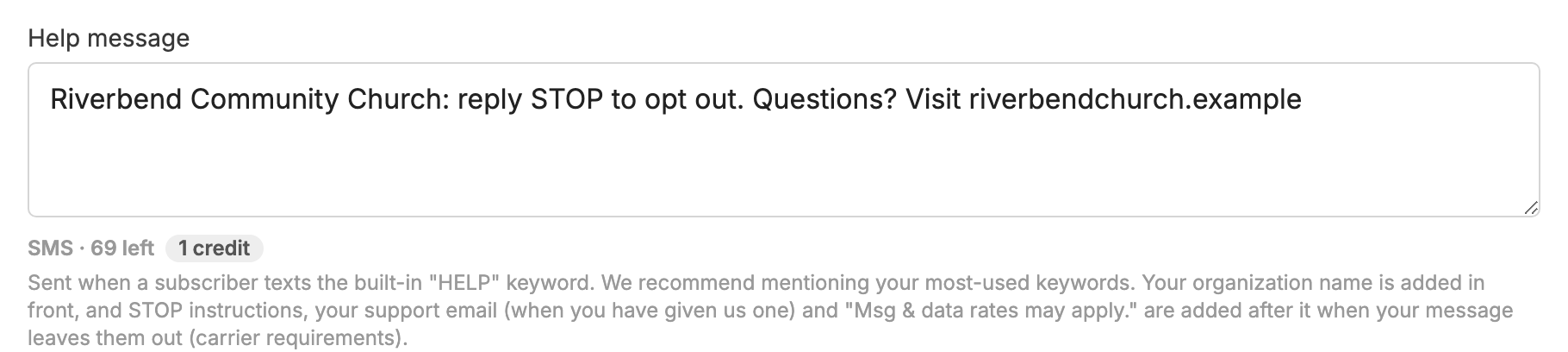
What we add for you
Carriers require certain things in a Help reply, so MojoTxt adds them when your message leaves them out:
- Your organization's name at the start
- How to stop: "Reply STOP to opt out."
- Your support email, if you gave us one
- "Msg & data rates may apply."
Keep your own message short so these fit. A reply of up to 160 characters uses 1 credit, and a longer one uses 2. If the whole reply would be too long, MojoTxt leaves some of these out, starting with the support email.
Tips
- Name the most important things your number does.
- If a list has a regular schedule, say so with a word like "daily", "weekly" or "monthly".
- Type keywords in UPPERCASE so they stand out.
- If you have more to say than fits, say "Reply MORE for more options" and create an auto-responder with the keyword MORE.
Examples
- Reply NOTES for weekly message notes, GIVE to make a donation, BIBLE for daily Bible readings, or CONNECT to fill out a Connect Card.
- Keywords: NOTES, GIVE, MISSIONS, BIBLE, CONNECT, GROUPS, SERVE, PRAYER, SCHOOL.
- Text the name of the fund you wish to give to (GENERAL, MISSIONS or BUILDING), followed by the amount.
