

How do I… Lists and sign-ups
 Let People Sign Up on the Web
A sign-up link lets people join your subscription list from your website, social media, an email or anywhere else you can post a link.
Get your sign-up link
- Open Subscription Lists and open the list.
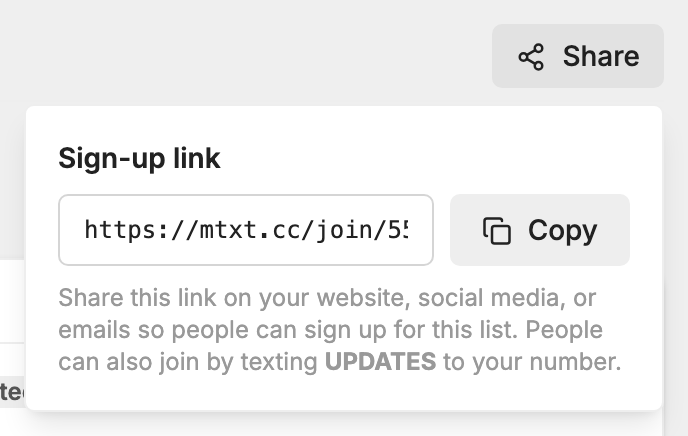
- Press the Share button.
- Under Sign-up link, press Copy.
- Paste the link into an email, your website or a social media post.
What happens when someone uses the link
- They enter their mobile number and name, and check a box agreeing to receive messages. If they leave the box unchecked, nothing is sent.
- They get a text asking them to confirm. For a list named Event Updates from City Church, it reads: "Would you like to receive Event Updates from City Church? Reply YES to confirm or NO to decline."
- If they reply YES, or a word like "yeah" or "sure", they join the list and get your welcome message, just as if they had texted the keyword. Their name is saved.
- If they reply NO, they aren't added. They can also reply STOP to block all messages from your number.
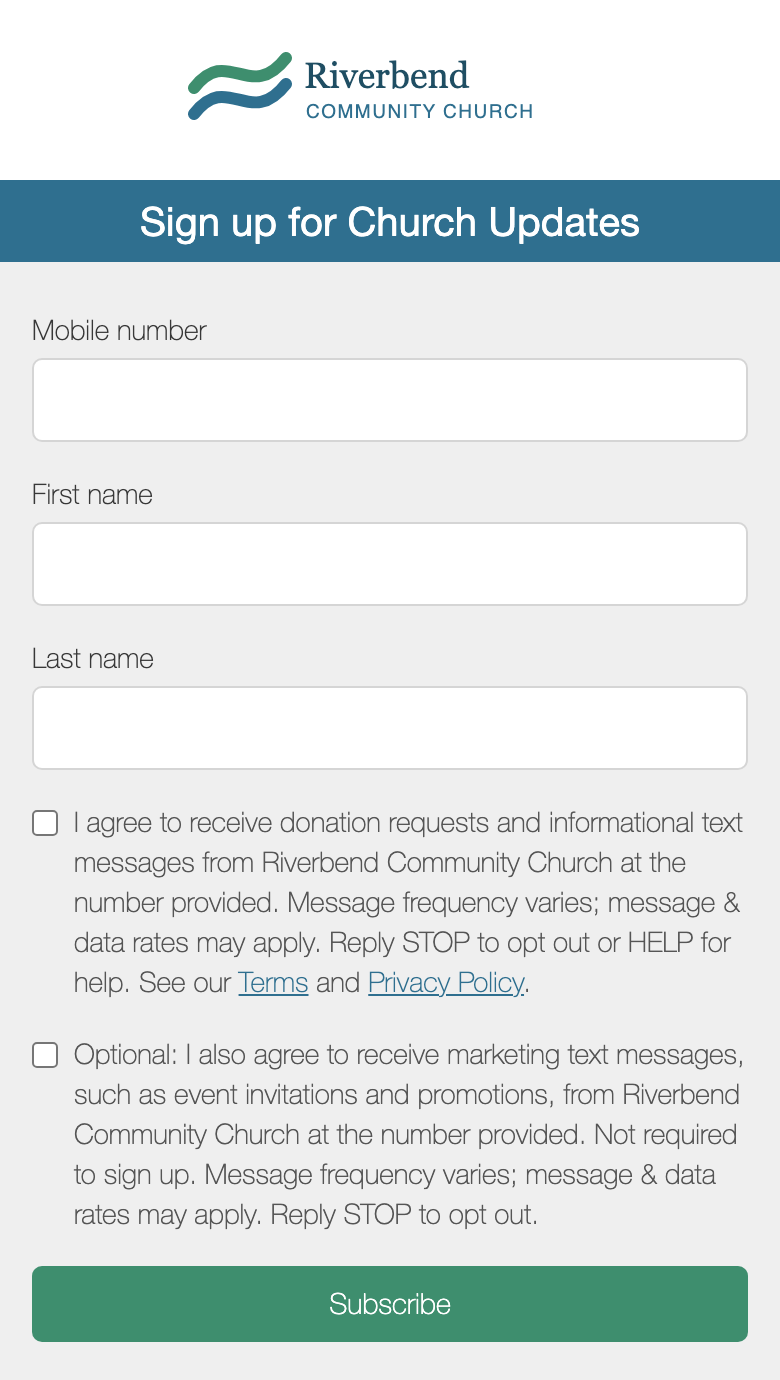
If someone has already opted out of your number, the page tells them to text UNSTOP first.
Change the names in the confirmation text
- The list name: open the list's
 Settings tab and edit List name.
- The organization name: this is the name on your carrier registration. If there is none, it is the Organization on your
 Company Profile.
More about sign-up pages, including the general page for all your lists, is in Subscription Lists.
