

How do I… Sending messages
 Send Emoji
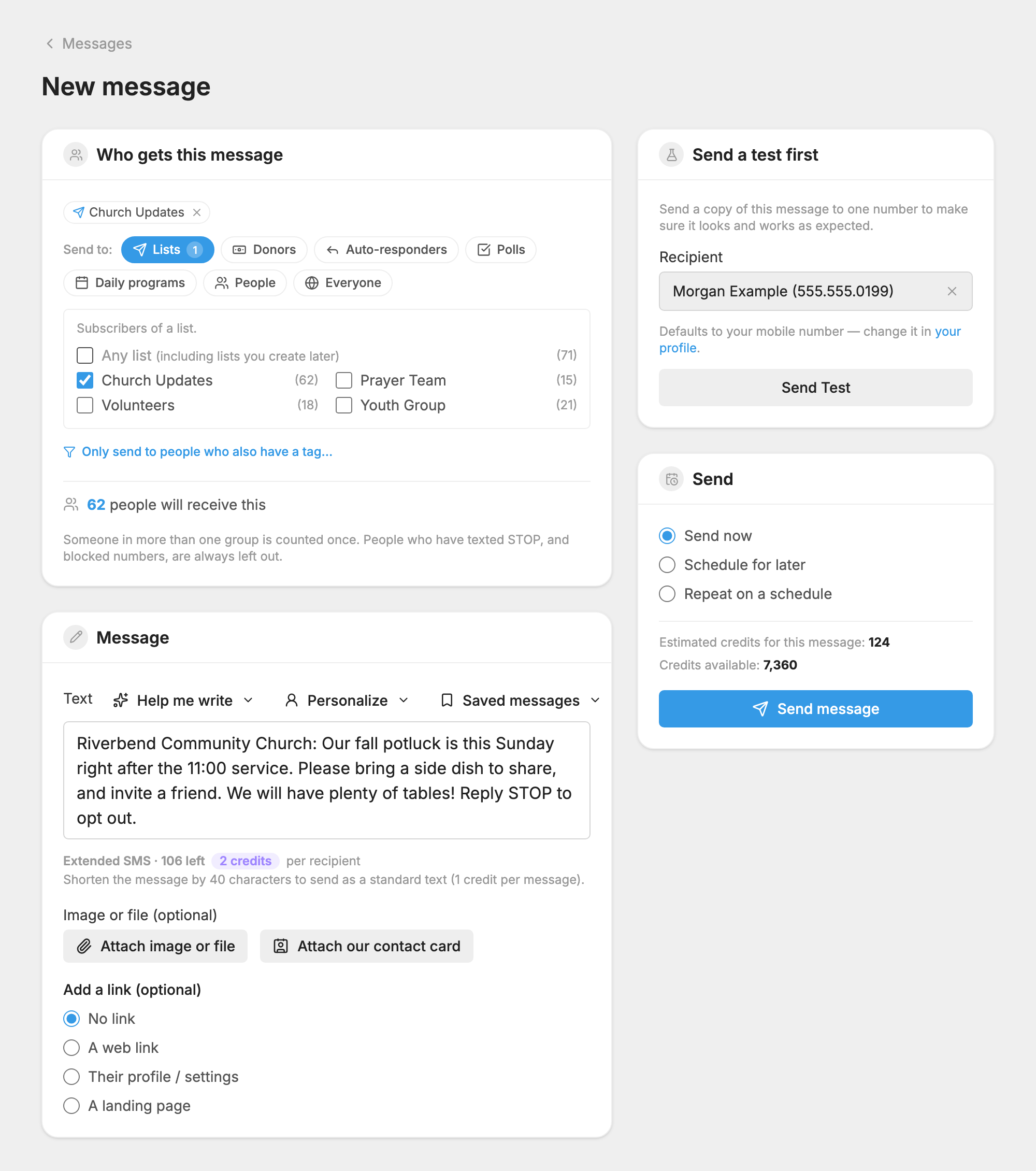
MojoTxt can send emoji and special or international characters. They do change how much fits in a message, so watch the counter under the message box.
Add an emoji
- On a phone: use your phone's emoji keyboard.
- On a Mac: press Control + Command + Space.
- On Windows: press the Windows key and the period key.
You can also copy an emoji from a website and paste it into your message.
Why emoji make a message shorter
One emoji or special character anywhere in a message changes the way the whole message is sent, and less fits. Most emoji also count as two characters.
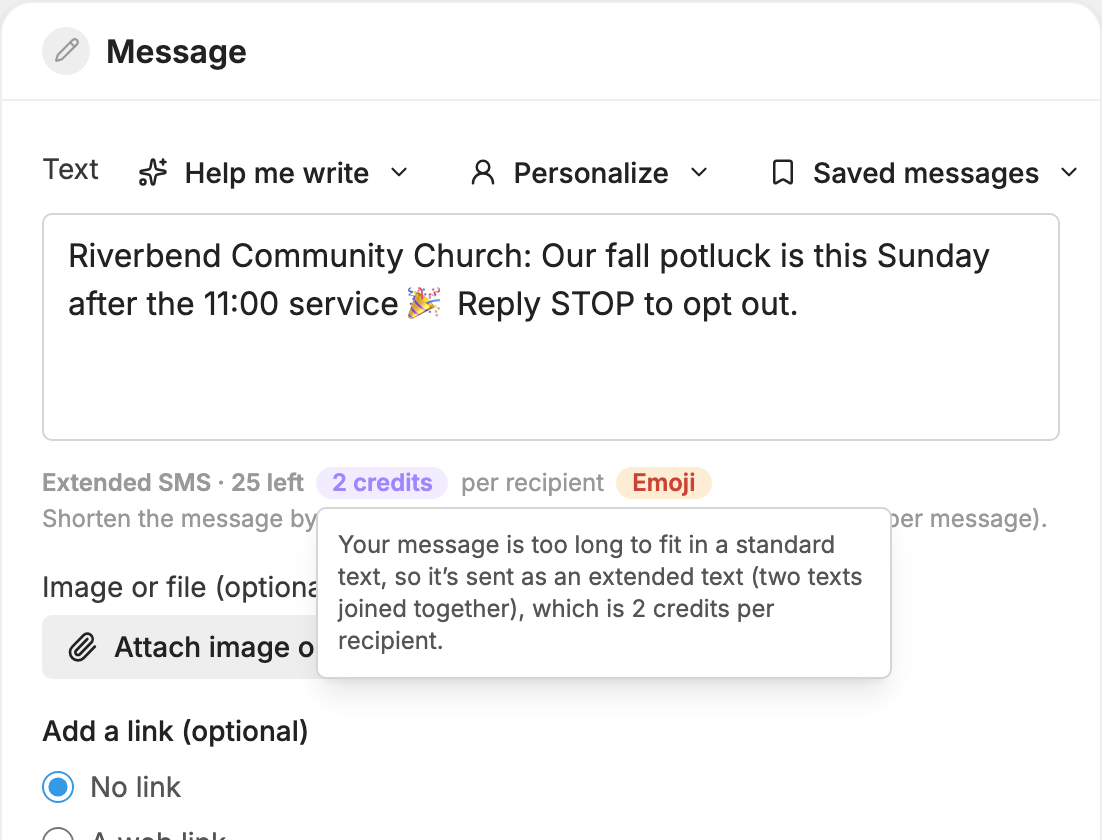
| Credits per person | Plain text | With emoji or special characters |
|---|---|---|
| 1 | Up to 160 characters | Up to 70 characters |
| 2 | Up to 306 characters | Up to 134 characters |
| 3 (sent as a picture message) | Up to 1,500 characters | Up to 1,500 characters |
A message past the 2-credit limit is sent as a picture message with no picture, as long as your number can send them. The counter shows the credits as you type.
Some accented letters, such as á, í, ó and ú, have the same effect as an emoji. Curly quotes and long dashes pasted from another program are changed to plain ones, so they don't cost you any room.
More is in Credits and Message Length.
Will emoji look right for everyone?
We can't guarantee it. Emoji support differs across phones and phone companies, so some may not display correctly for everyone.
