How do I… Auto-responders and programs
 See Who Followed an Auto-Responder Link
Each auto-responder keeps a log of who texted its keyword, whether the reply was delivered, and whether they followed your link. If you haven't made one yet, see Create an Auto-Responder.
Open the report
- Open Auto-Responders.
- Press the auto-responder you want to check.
- Press the
 Message Log tab.
What the report shows
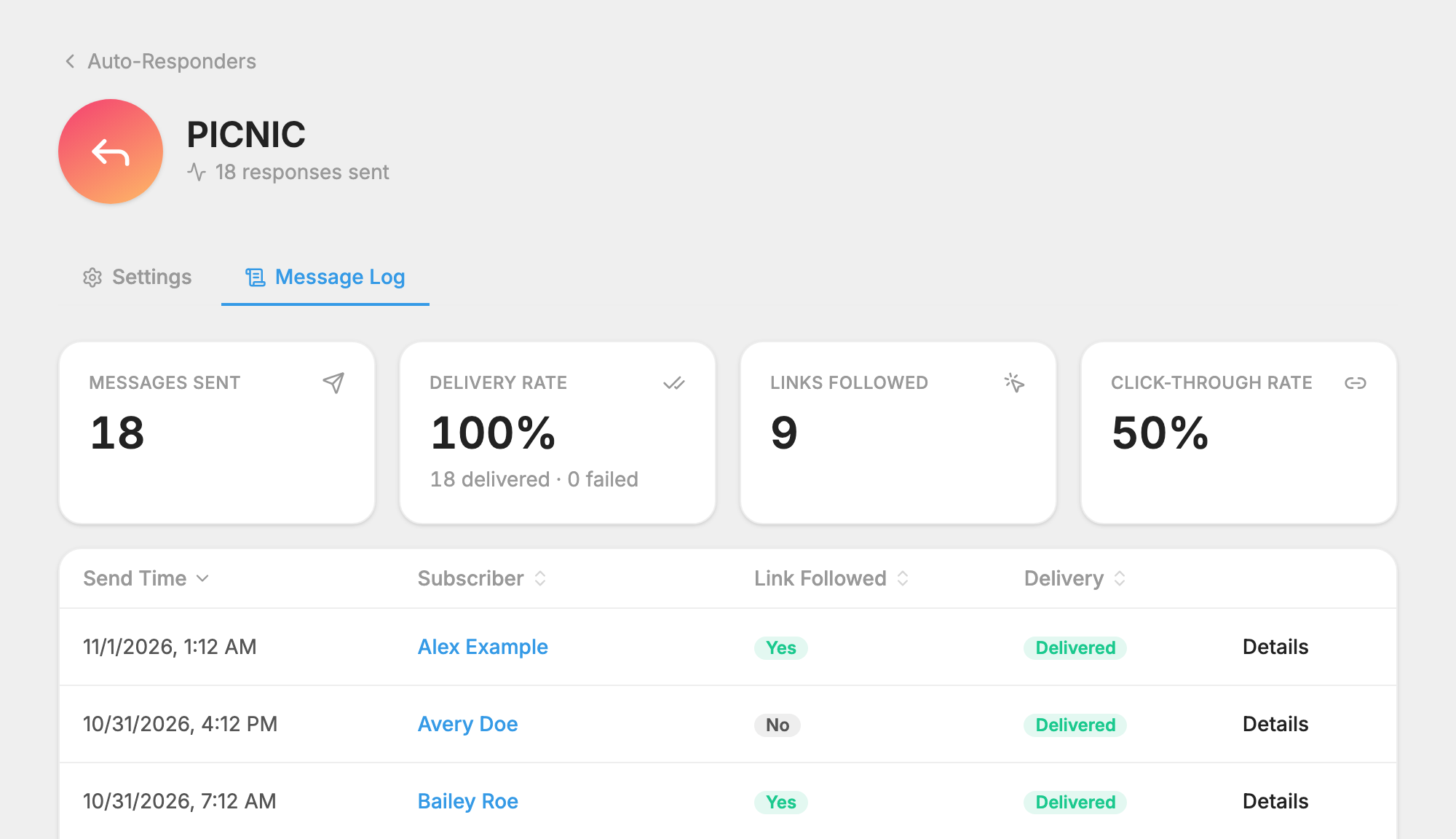
At the top you see Messages Sent and Delivery Rate. If your reply has a link, you also see Links Followed and Click-Through Rate.
The table lists each person. The Link Followed column shows whether they used the link, and the Delivery column shows what happened to the message. Press Details on a row to see more.
Make sure your link is tracked
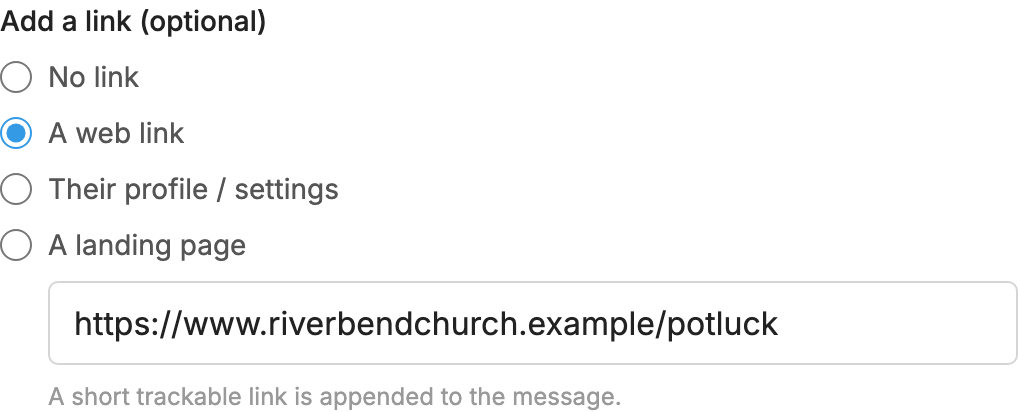
Links are tracked only when you add them under Add a link (optional). A link you type into the message text isn't tracked.
To add one, see Change an Auto-Responder's Settings.