

How do I… Auto-responders and programs
 Put ESV Verses in a Daily Program
If your church has a Daily Program, you can show the text of the ESV Bible right on the reading page. To do this, connect MojoTxt to Crossway's ESV API. Crossway offers it free of charge for non-commercial use, and its conditions are posted at api.esv.org.
Get an API key from Crossway
- Go to api.esv.org and sign in, or create a Crossway account.
- Create an API application. Describe your daily program when asked, for example: "We send links to daily Bible readings to our church members by text message."
- Read the conditions on Crossway's site to make sure your program fits within them.
- You may need to wait for approval. Once approved, copy your API key from your account on the ESV site.
Crossway runs this site and may change these steps.
Connect MojoTxt
- Open ESV Bible API under Account & Billing,
 Integrations.
- Paste your key in ESV API key and press Connect.
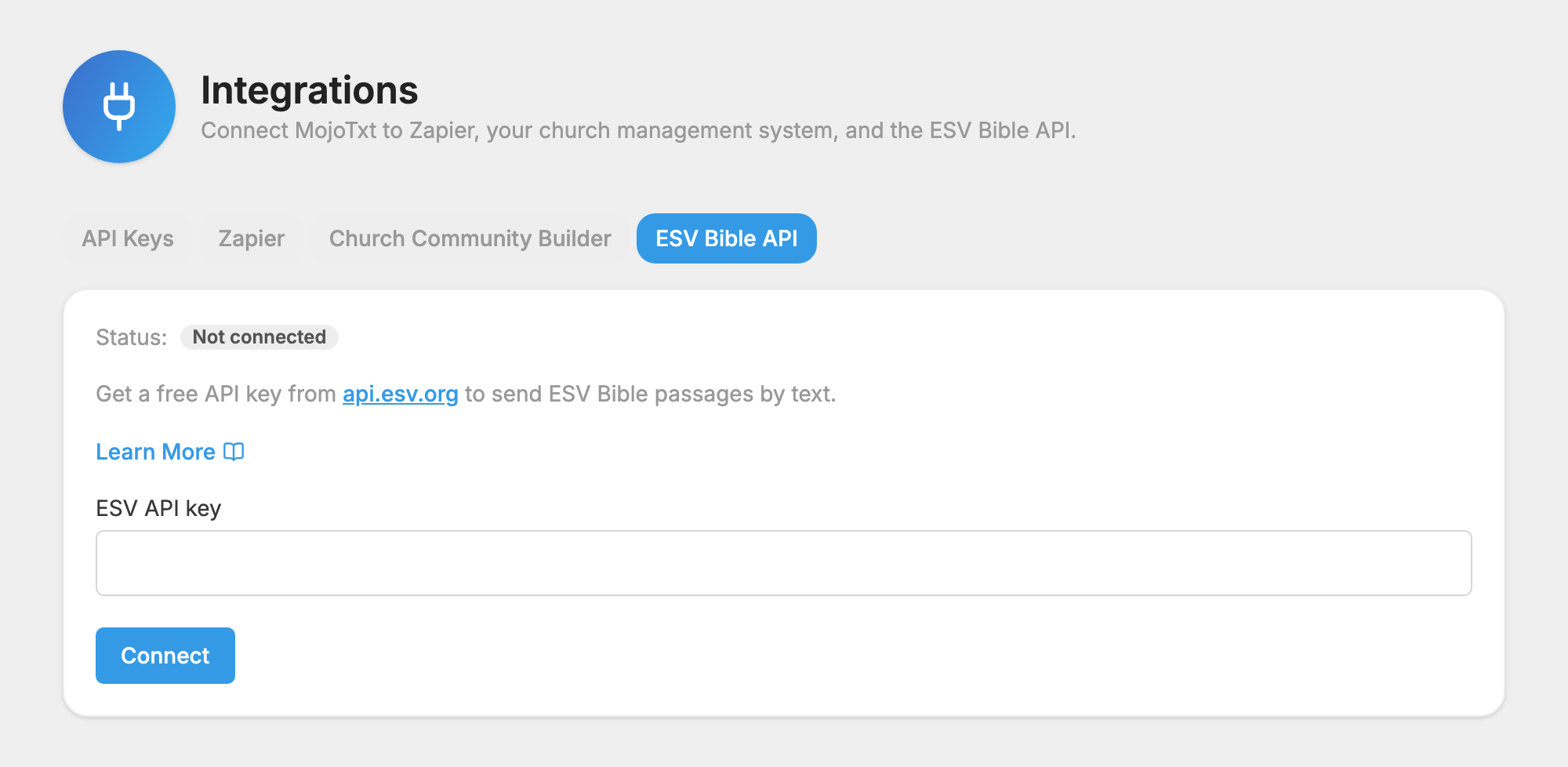
Turn on scripture in your program
- Open
 Daily Programs and open your program.
- On its
 Settings tab, check Scripture enabled.
- Add a reference in the Scripture box of each message, such as John 3:16.
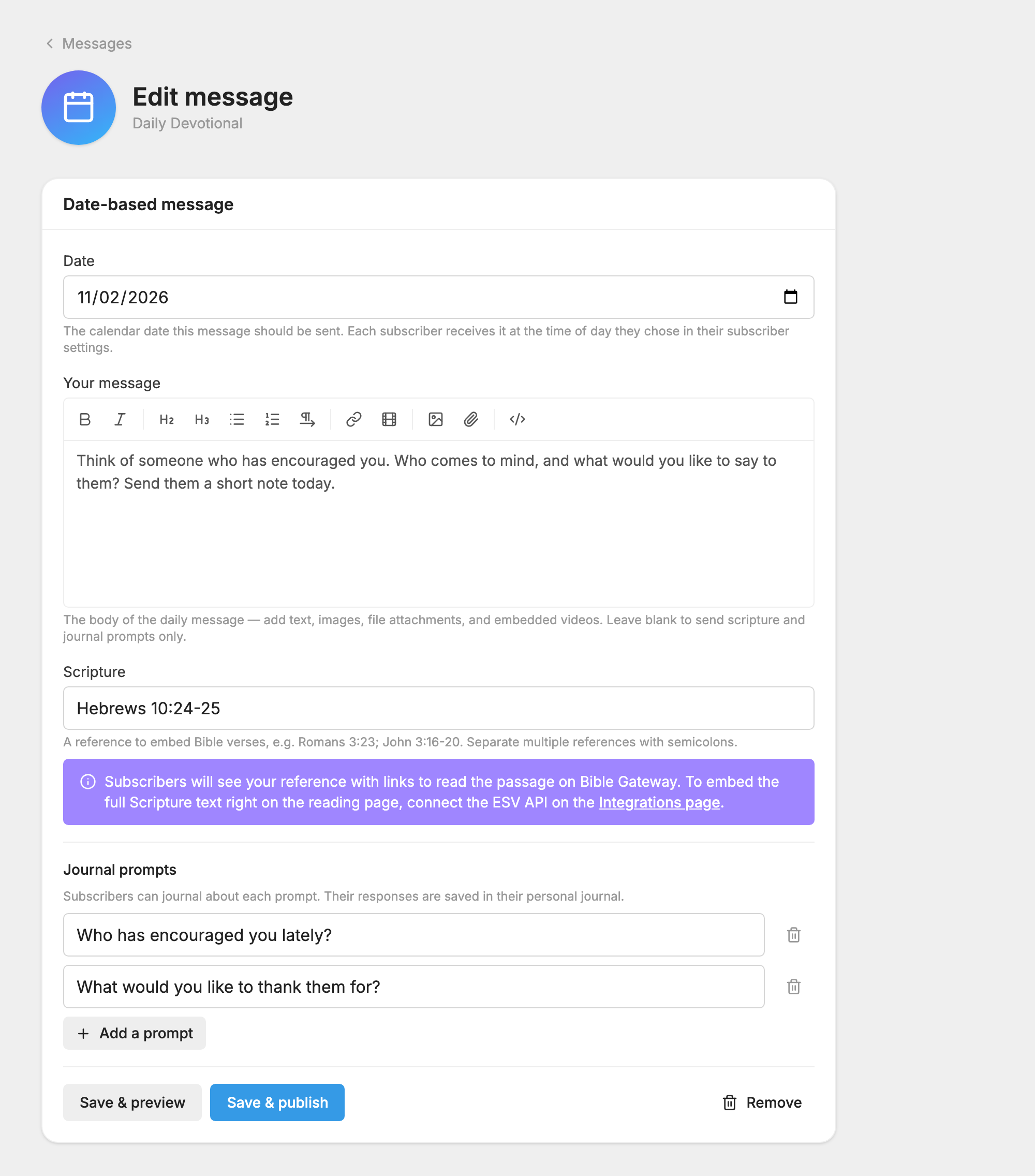
Everyone reading the program now sees the ESV passage on the page. The translation is fixed to ESV for that program, so the Translation picker no longer appears. Without a key, people see links to read the passage on Bible Gateway, and they can choose a translation.
Change or remove your key
To replace your key, enter a new one and press Update key. If you press Disconnect, ESV passages stop working until you connect a new key.
