

How do I… Sending messages
 Text One Person or a Small Group
You don't need a list to text one person or a few people. There is no app to install. MojoTxt runs in the web browser on your computer or phone.
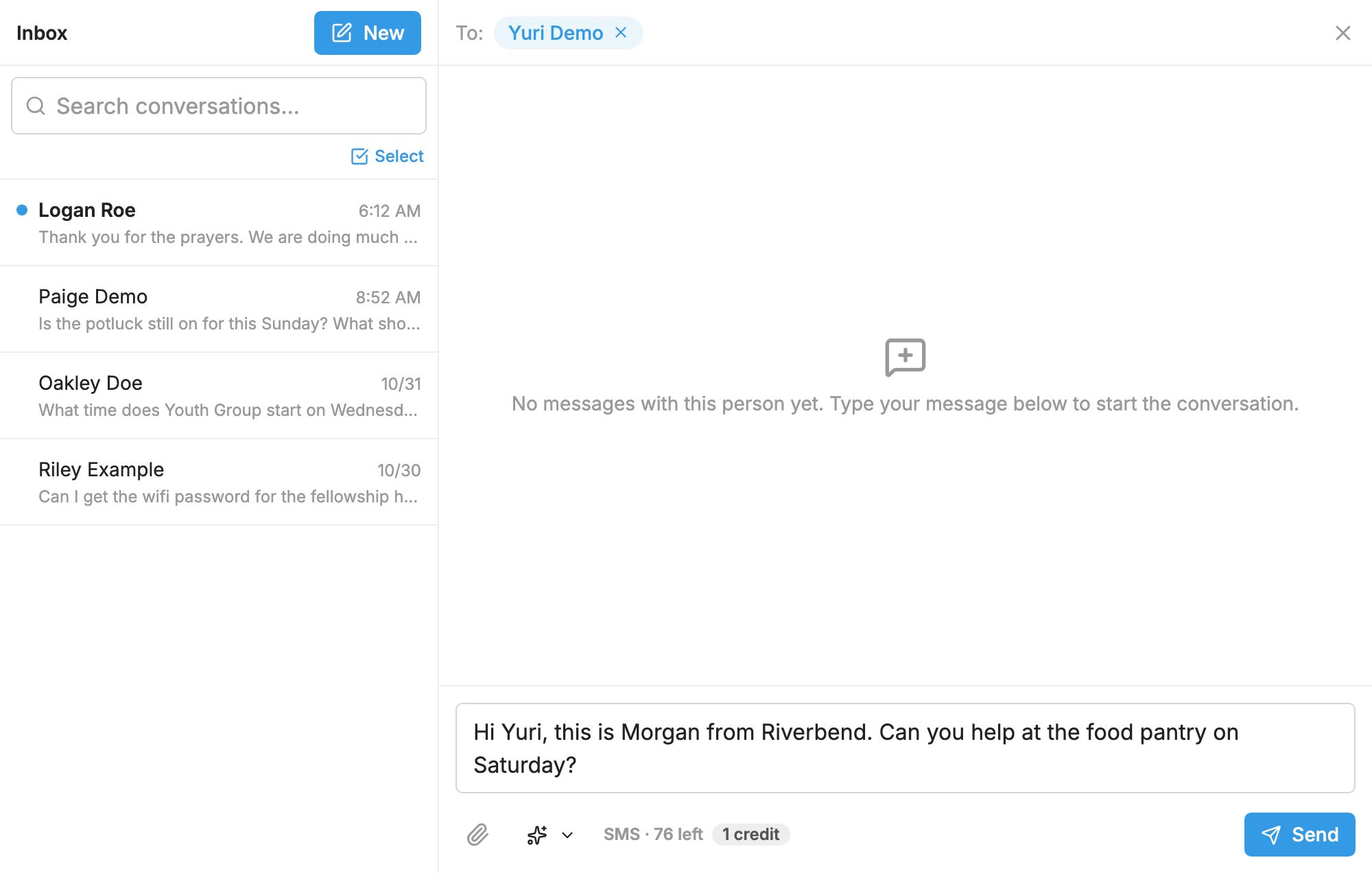
Text one person
- Open
 Conversations. If you're already in Conversations, press New.
- Type a name or number.
- Write your message and send it.
Their reply comes back to the same conversation. You can also start from their page in  People: open the actions menu and choose Start a Conversation.
Text a few people now
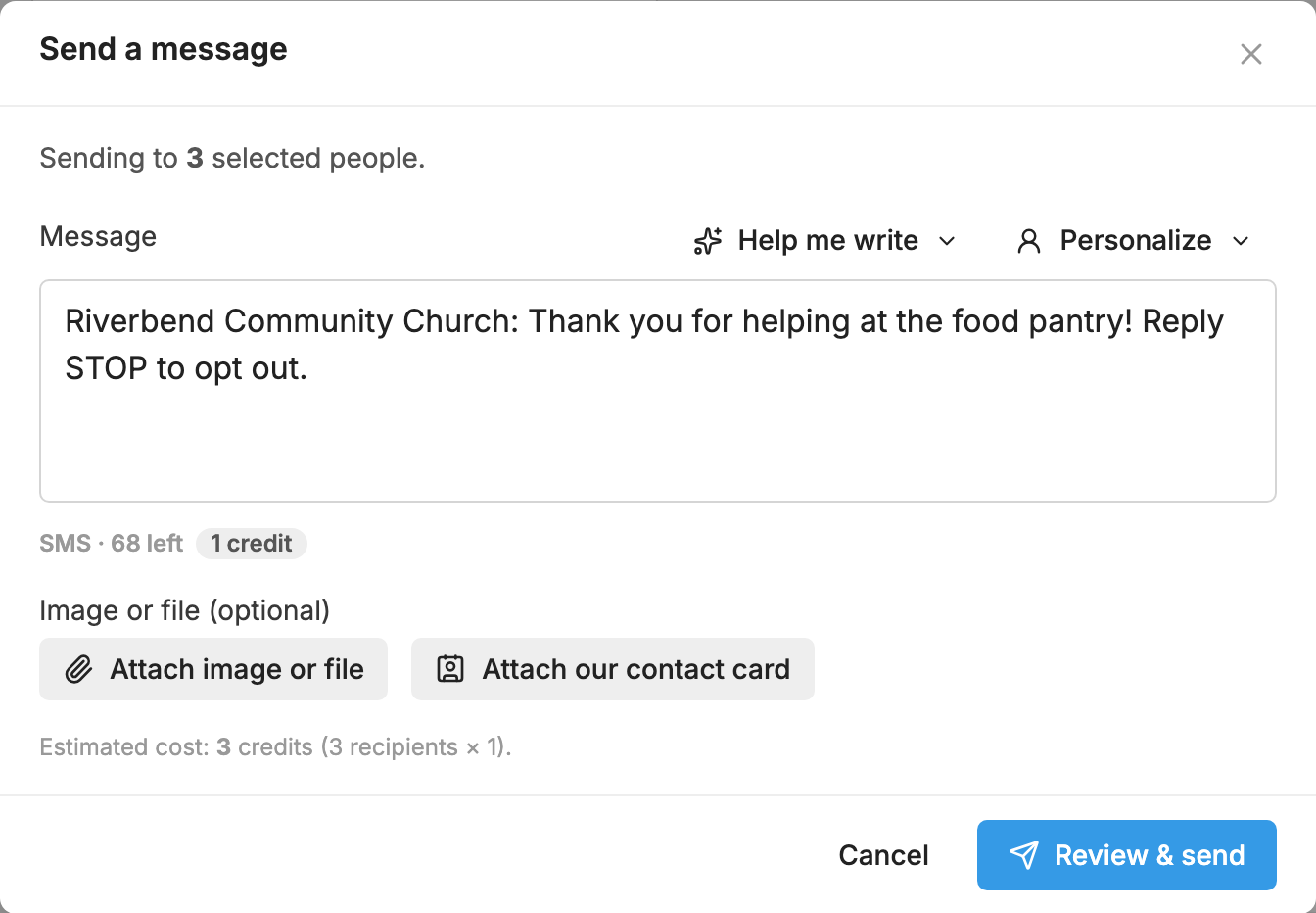
- Open People.
- Check the box beside each person. Use search or Filters to narrow things down.
- Press Send message in the bar at the bottom.
- Write your message and press Review & send.
- Check how many people and credits it will use, then press the Send to button.
This sends right away. People who have texted STOP and blocked numbers are left out. If you check just one person, Send message opens a conversation with them.
Text a few people at a set time
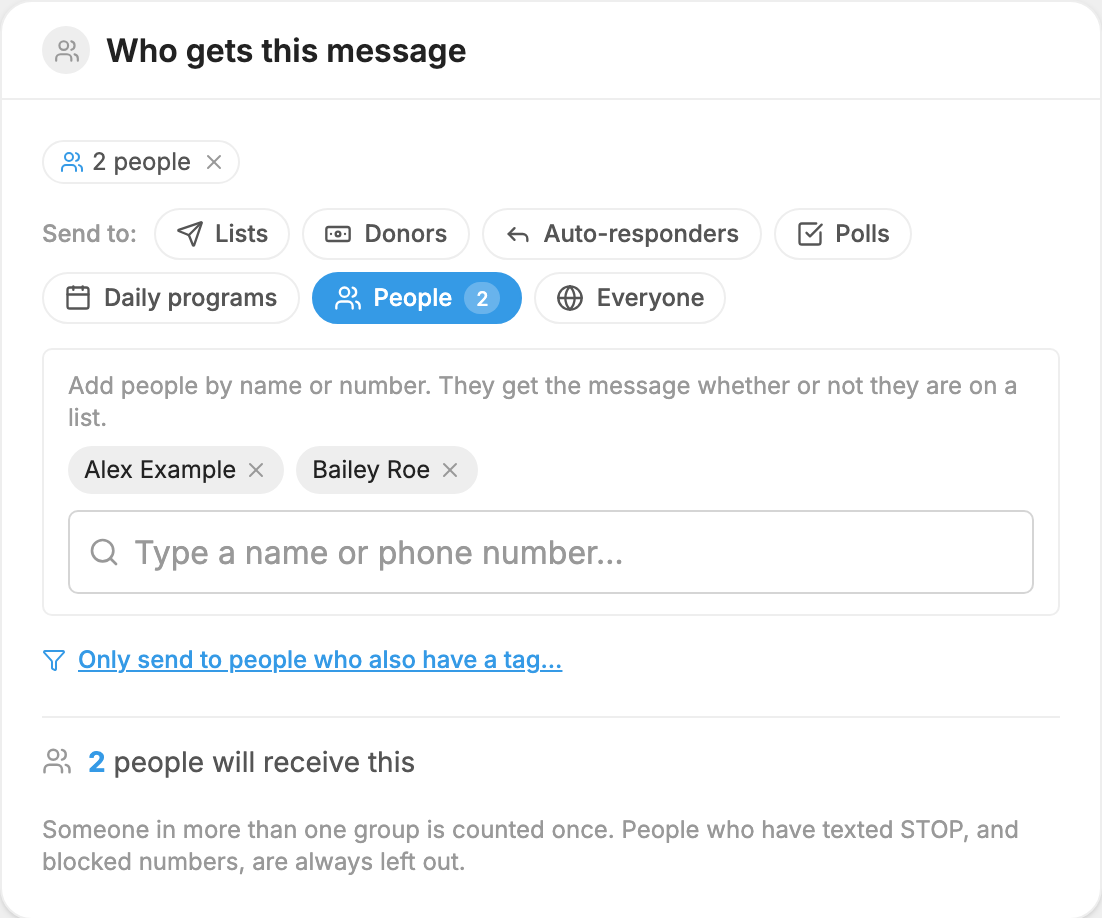
- Open Messages and press New message.
- Under Who gets this message, choose People.
- Add people by name or number.
- Write your message, then use the Send box as usual. See Schedule a Message.
To text the same small group often, make a list or add a tag to those people, so you can choose them in one step.
Each person's copy uses credits. See Credits and Message Length.
