

How do I… Connecting other software
 Connect Zapier
Zapier is a separate service that connects MojoTxt to thousands of other apps, such as Google Sheets, Mailchimp, Jotform and Planning Center. You set up an automation in Zapier and it runs on its own.
What you can do
MojoTxt offers these on Zapier:
- New Donation: start a Zapier automation each time someone gives, for example to add the gift to a Google Sheet.
- Add Person to Subscription List: add someone to a list from another app, such as a form they filled out.
- Send Subscription List Message: send a message to your lists from another app or on a schedule you set in Zapier.
Connect MojoTxt to Zapier
- Open API Keys under Account & Billing, Integrations.
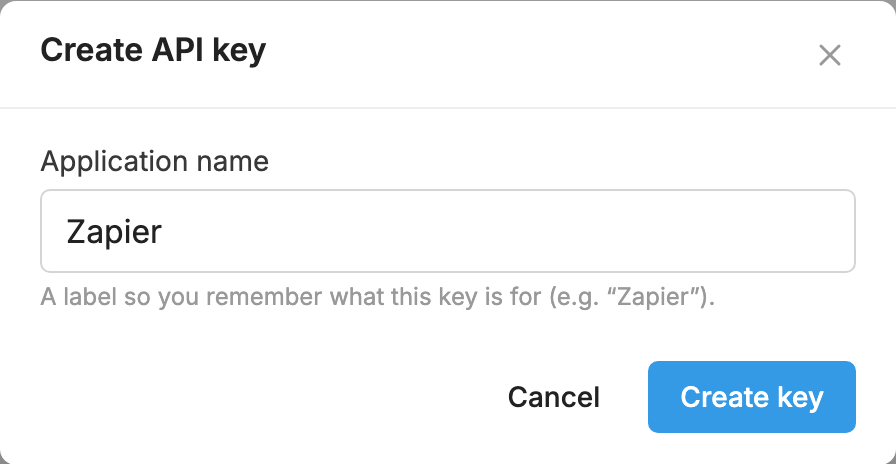
- Press Create API key. For Application name, type something you will recognize, such as Zapier. Press Create key.
- Copy the Username and Password. The password is shown only once.
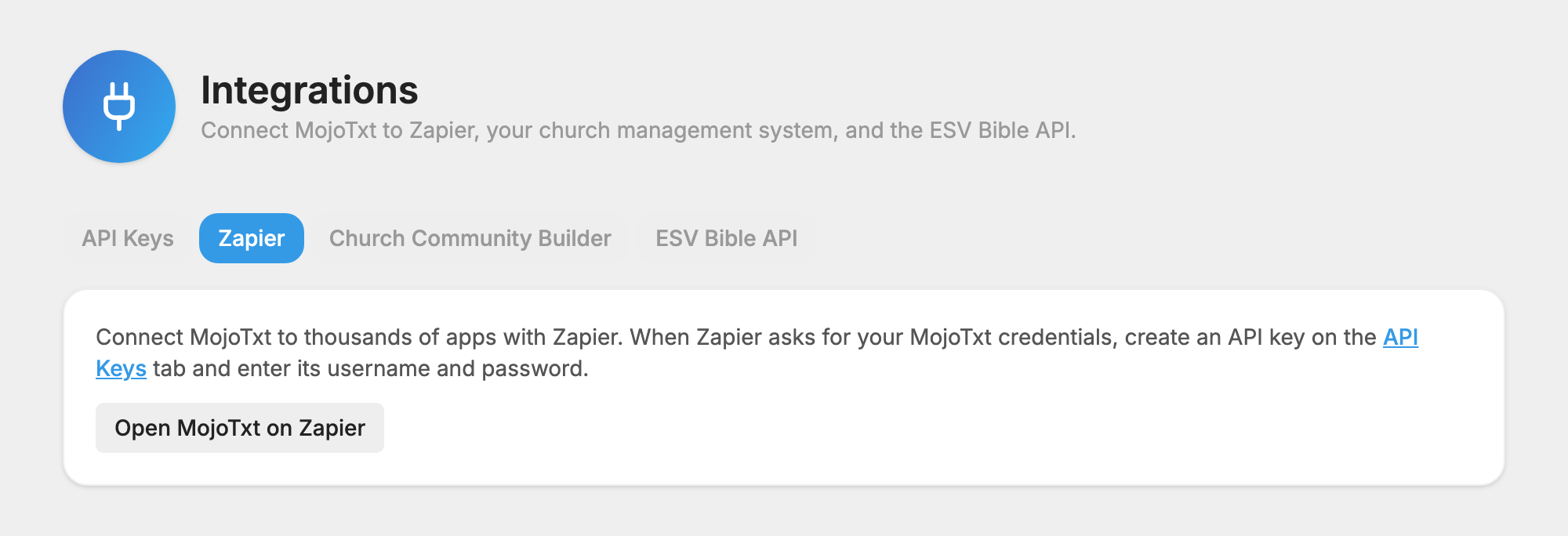
- Open the Zapier tab and press Open MojoTxt on Zapier.
- When Zapier asks for your MojoTxt credentials, enter that username and password.
Before you turn on a Zapier automation
- Your number needs a completed carrier registration before it can send anything, including messages started from Zapier.
- Only add people who have agreed to receive texts from you.
- Messages sent through Zapier use message credits like any other message.
For more on API keys and integrations, see Integrations and API.
