

How do I… Delivery problems
 Fix Carrier Blocking
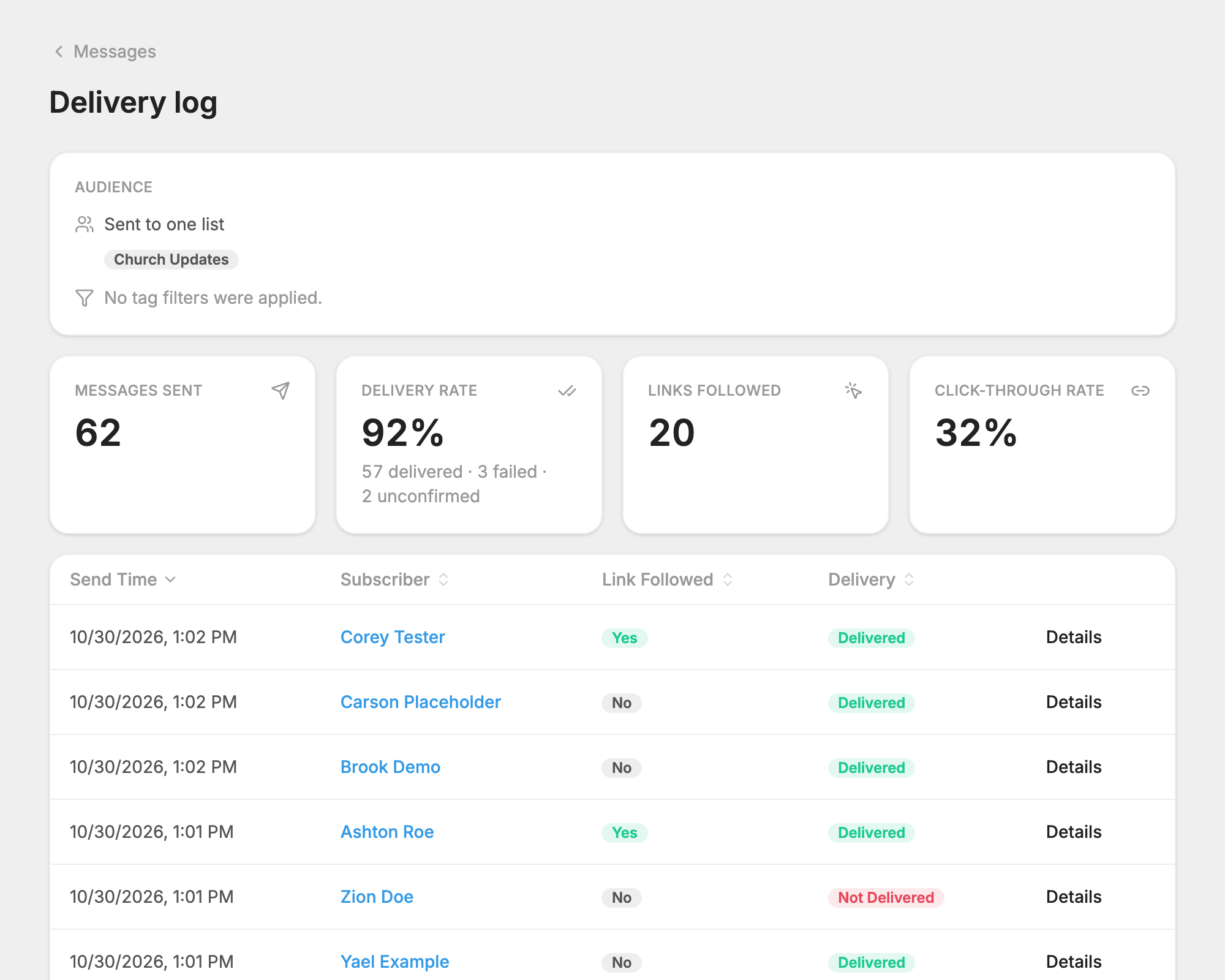
Like email providers, mobile phone companies, called carriers, filter messages to protect their customers from spam. If many of your messages aren't being delivered, a carrier may be blocking your message, or your number as a whole. A carrier may even report a message as delivered when it blocked it.
The usual cause is what your recent messages say, not the number. Carriers look at what you have been sending, and start dropping messages when they see no organization name and no way to stop. These checks will help you find and fix the problem.
Check your registration
If your number isn't registered, MojoTxt can't send from it at all. Complete your carrier registration first.
Check what your messages say
- Does every message say who you are? People should know right away who is texting them. Put your organization's name in every message. Messages that don't name the sender are more likely to be filtered or reported as spam.
- Do your messages tell people how to stop? Include a line such as "Reply STOP to opt out" in your first message to a new contact, in any message with a link, and in any picture message. You don't need it in every short update to people who hear from you regularly, but people must always be able to stop by replying STOP.
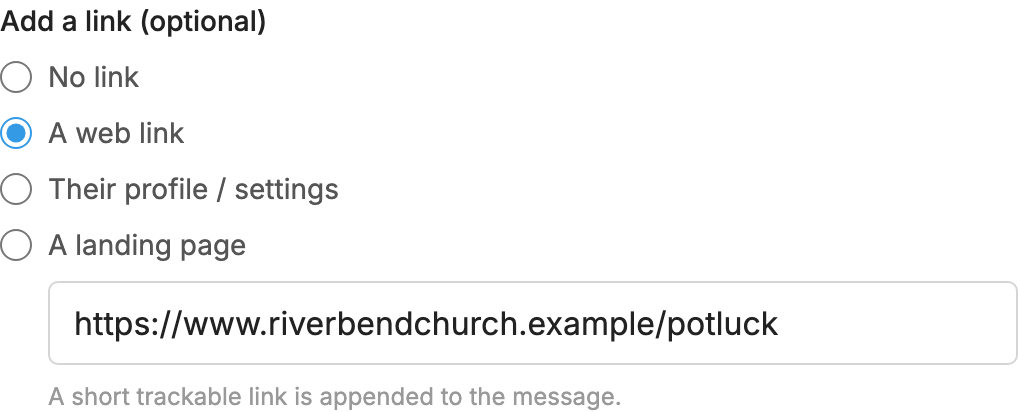
- Did you use a public link shortener like Bit.ly or TinyURL? Spammers often use these, so carriers block them. Add your link under Add a link (optional) and choose A web link. MojoTxt adds its own short link for you.
- Does your message look like spam? Too many capital letters, misleading claims, repeated promotions and suspicious links are more likely to be filtered.
Check who you're sending to
- Did you send to people who didn't specifically opt in? If so, they may have reported your messages as spam. Carriers take these reports seriously and may block your number after several complaints. Only send to people who have clearly agreed to get texts from you.
- Are people often opting out or marking your messages as spam? High opt-out rates and spam complaints hurt your reputation with the carriers and can lead to filtering. Make sure you only send what people expect and want.
Check for content carriers don't allow
Carriers prohibit or heavily restrict certain content, even if it is legal where you are. Examples include:
- Illegal products or services
- Cannabis, CBD and related products
- Prescription medications
- Gambling and betting services
- Payday loans and certain financial offers
- Get-rich-quick schemes
- Lead generation or purchased lead lists
- Phishing, fraud or deceptive marketing
What to do next
- Fix what you find above and keep sending your normal messages.
- Give it time. Messages usually start getting through within a week or two.
- If they don't, email support@mojotxt.com and we'll look into it. Include the phone number of one or two people who can't get your messages, and an example of a message that was blocked.
