

How do I… Lists and sign-ups
 Turn Off a List's Welcome Message
You can't turn it off. Everyone who joins a list by keyword or sign-up page gets a welcome message.
Why it stays on
The carriers require it. The welcome tells people who you are, how often you text, that message and data rates may apply, and how to get help or stop. People who don't get this information are more likely to report your messages as spam, and that can get your number blocked.
What you can change
You can write your own welcome. Open the list, go to its  Settings tab, and type in the Welcome message box.
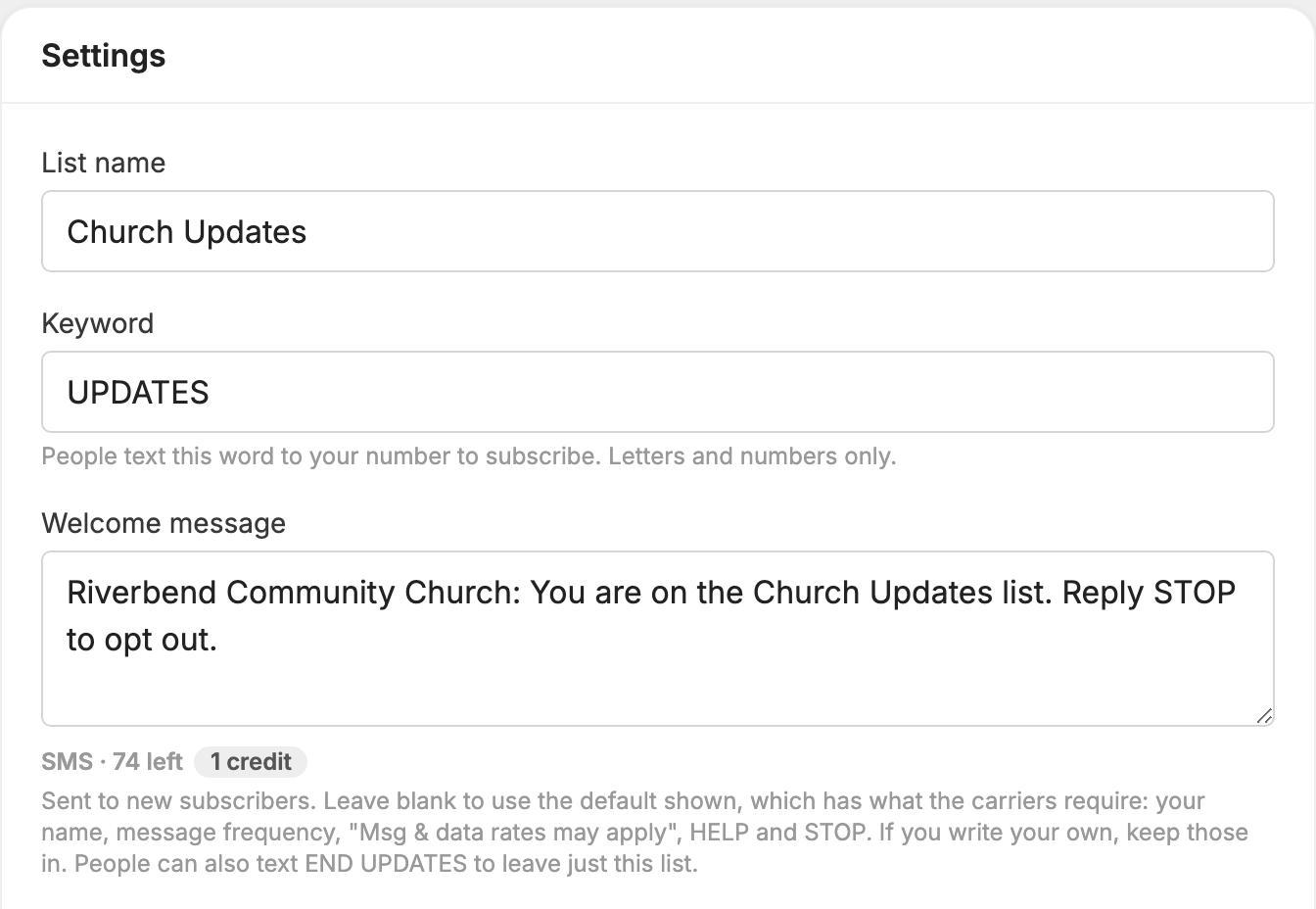
If you leave the box blank, people get the default, which has what the carriers require. It starts with your organization's name and a welcome to the list, and ends: "Msg frequency varies. Msg & data rates may apply. Reply HELP for help, STOP to opt out."
If you write your own, keep your organization's name, the message frequency, "Msg & data rates may apply", HELP and STOP. See Write the welcome message.
Who doesn't get a welcome message
People you add yourself don't get one. That includes people you add with Add member and people you import from a file or another keyword.
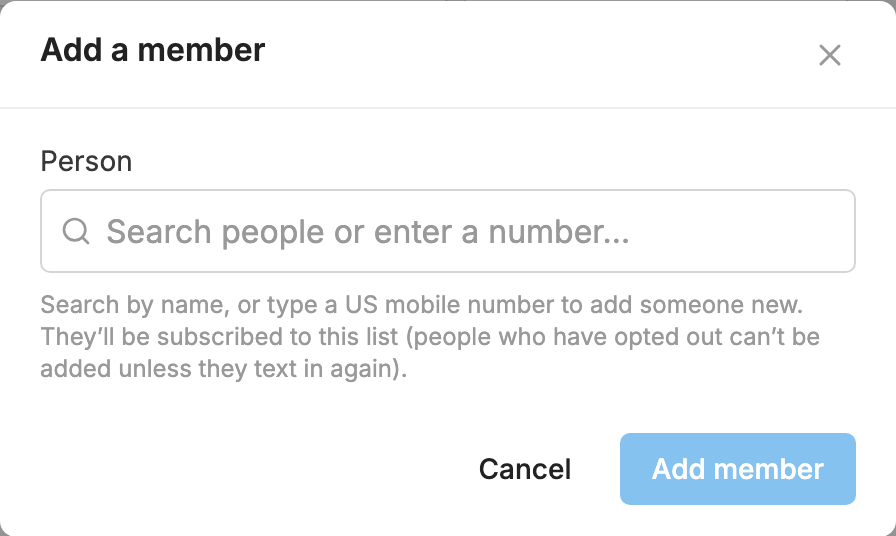
If that is how someone joined, make your next message clear about who you are and how to stop.
