

How do I… Lists and sign-ups
 Create a Subscription List
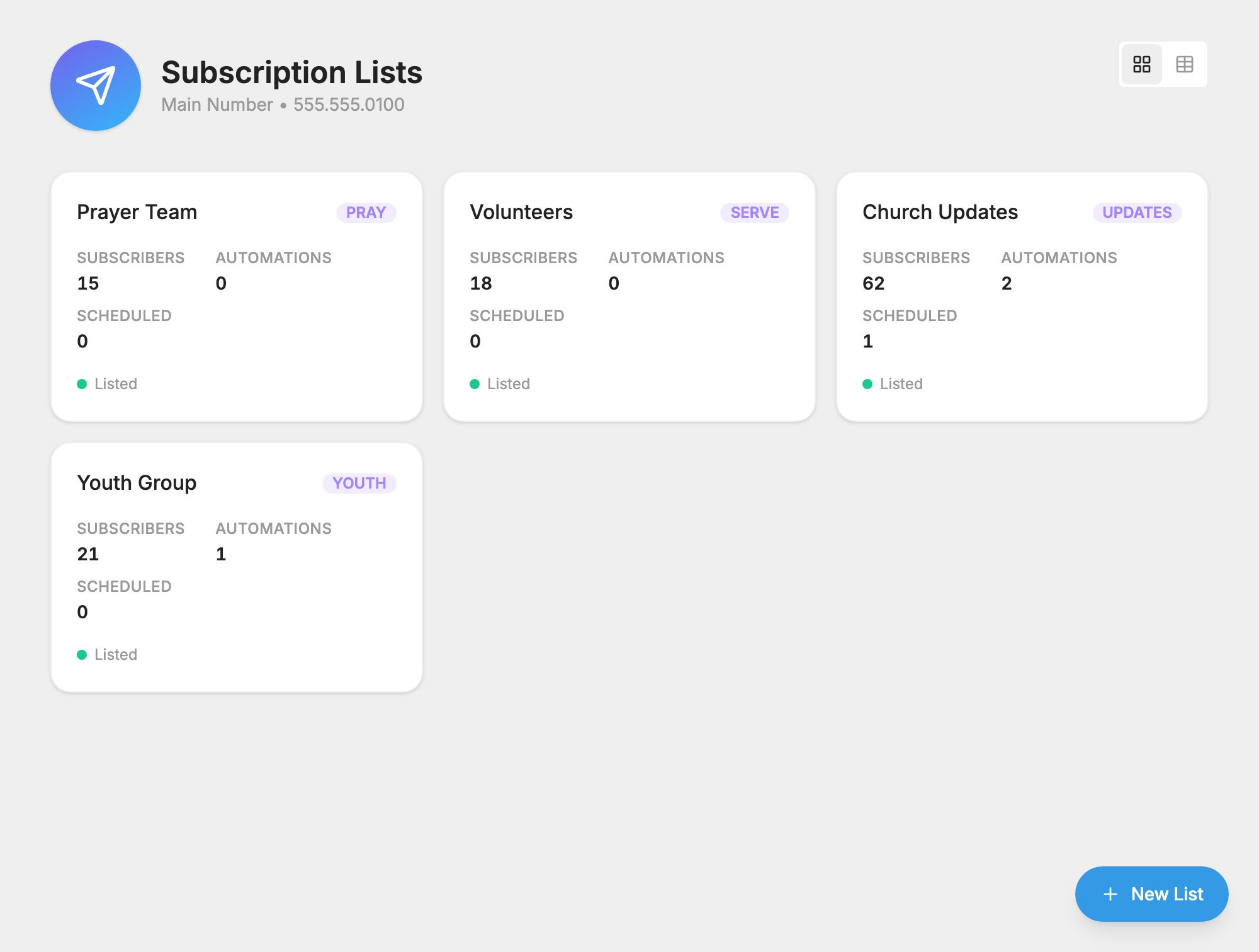
A subscription list is a group of people who have agreed to get messages from you. Most people join by texting a keyword to your number. Once they join, you can reach them all with one message.
You can build lists at any time, but your number can't send until its carrier registration is complete.
Create the list
- Open Subscription Lists and press New List.
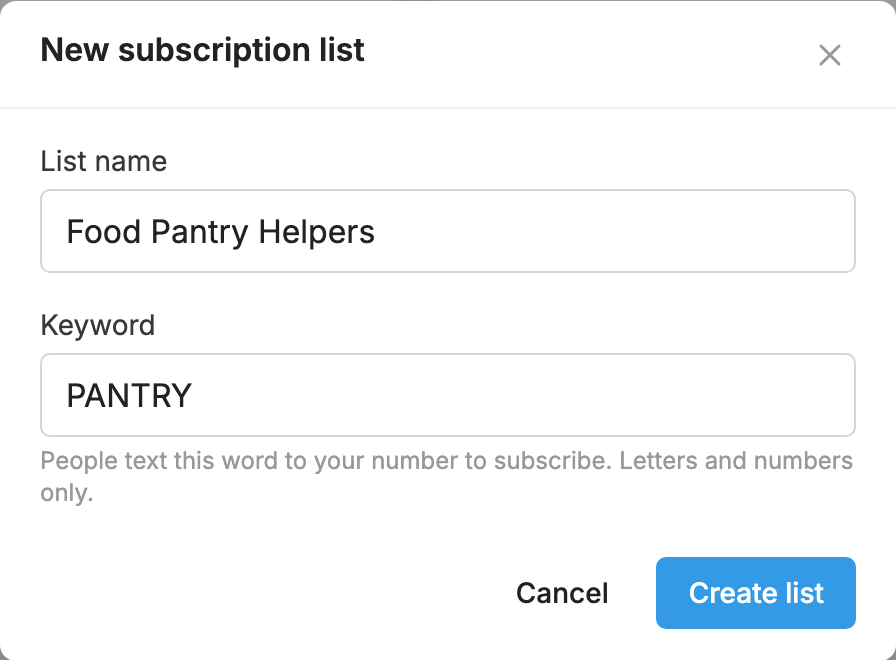
- Type a List name and a Keyword. The keyword is the word people text to join, such as UPDATES. Use letters and numbers only.
- Press Create list. You land on the list's
 Settings tab, where you can write your welcome message.
Let people join on their own
This is the best way to fill a list.
- By text: ask people to text the list's keyword to your number.
- On the web: press the list's Share button to copy its sign-up link. Put the link on your website, on social media or in an email. See Let People Sign Up on the Web.
Add people who have given you permission
Open the list's Members tab.
- One person: press Add member. Search for them, or type their mobile number.
- From a spreadsheet: press Import and choose Import a CSV file…. See Import a Spreadsheet of People.
- From another keyword: press Import and choose Import from a keyword…. This adds people who used another keyword, such as a donation fund or auto-responder.

People you add this way don't get the welcome message.
For everything else a list can do, see Subscription Lists.
