

How do I… Auto-responders and programs
 Collect Form Information
You can use MojoTxt to send people to a web form. Create an auto-responder, and when someone texts your keyword they get a reply with a link to the form.
Set up the keyword
- Open Auto-Responders and press New Auto-Responder.
- Type a Keyword, such as VISITOR, and press Next: write the reply.
- In the Text box, type the reply. For example: "Tap this link to fill out our first-time visitor form:"
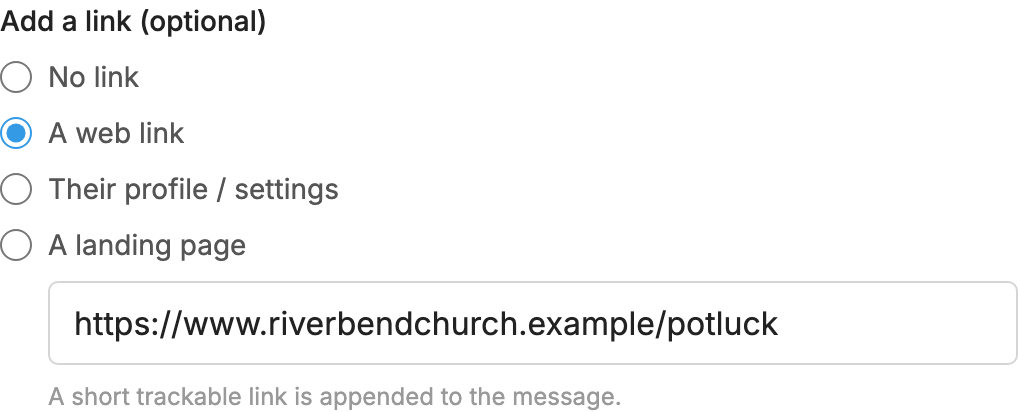
- Under Add a link (optional), choose A web link and paste the address of your form. If you don't have a form yet, you can make one with a service like Google Forms.
- Press Save changes.
Try it and see who used it
Once your number is registered, text the keyword to your number to try it.
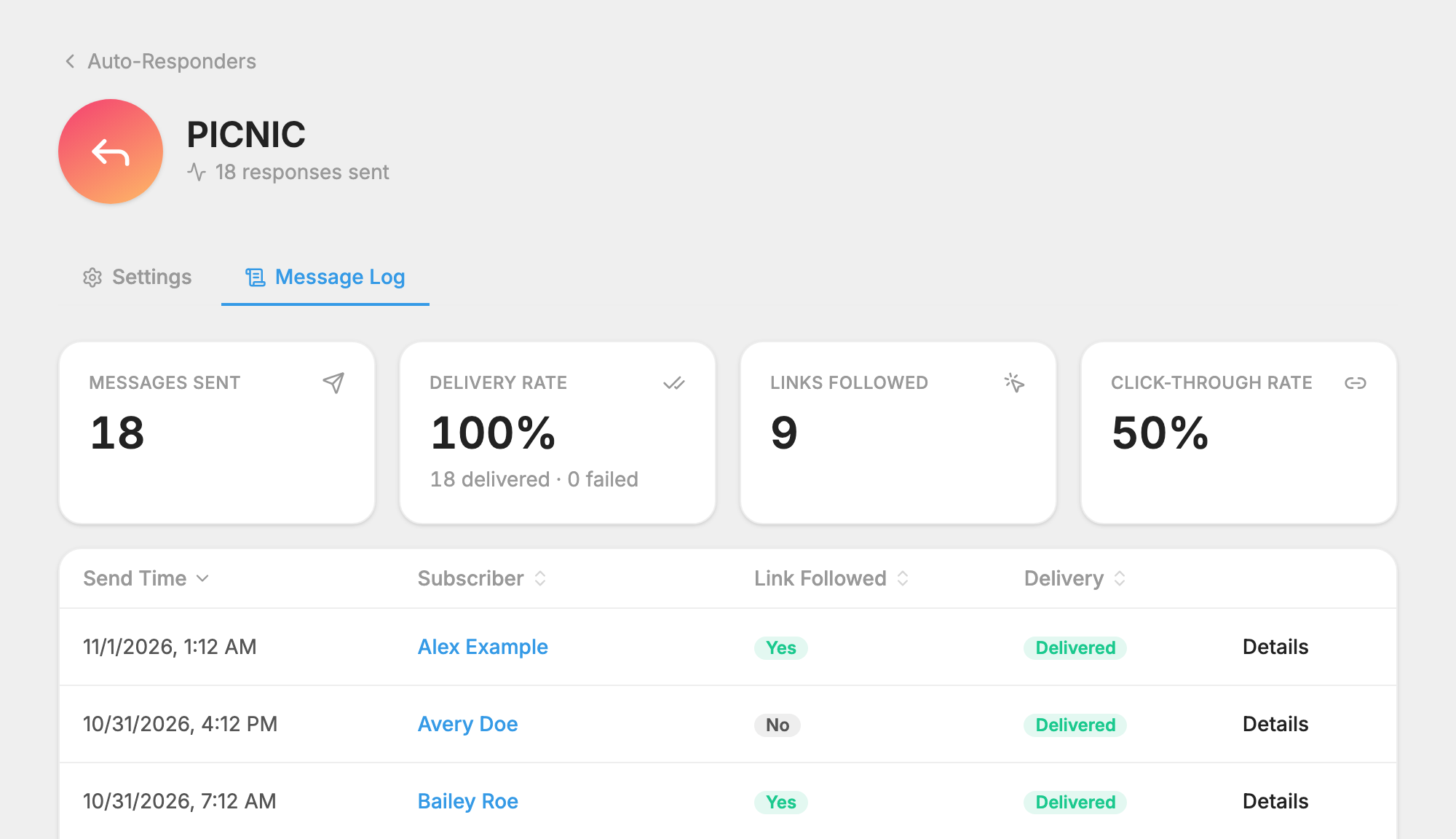
A short trackable link is added to the end of the reply, so you can see who followed it on the auto-responder's  Message Log tab. See See Who Followed an Auto-Responder Link.
If you only need a name and email
You may not need a form at all. A subscription list can ask new subscribers for their name and email by text. See Collect Names From Subscribers.
