

How do I… Connecting other software
 Use the Developer API
MojoTxt has an API that lets your own websites and applications connect to your account. Zapier uses the same API.
The API works with your account, phone numbers, subscribers, subscription lists, donation keywords and donations, messages and the message log.
Create an API key
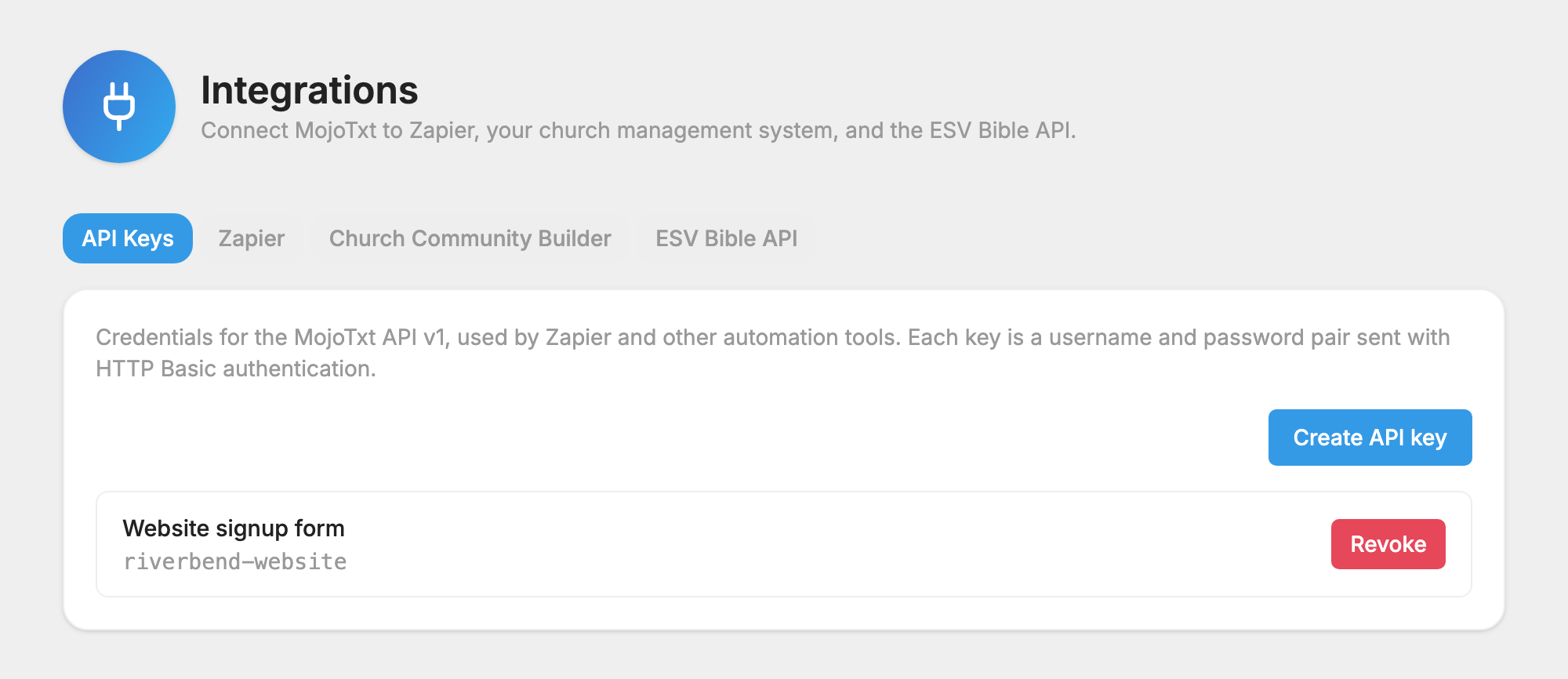
- Open API Keys under Account & Billing, Integrations.
- Press Create API key and enter an Application name. Press Create key.
- Copy the Username and Password. The password is shown only once.
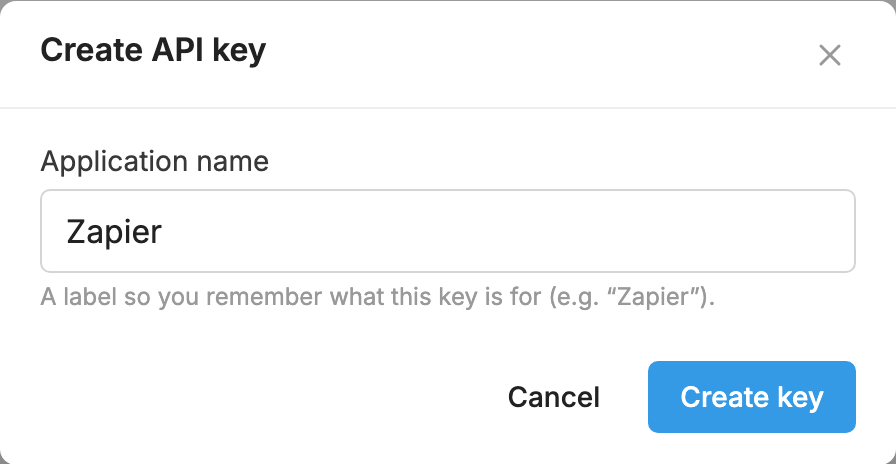
Each key is a username and password pair, sent with HTTP Basic authentication.
Read the documentation
The full reference is in the API documentation.
Before you send
Your number needs a completed carrier registration before messages sent through the API can go out. These messages use credits like any other message.
To revoke a key, see API keys.
