

How do I… Delivery problems
 Fix Delivery to One Person
If one person isn't getting texts from your MojoTxt number, these steps gather what we need to work with the phone company and fix it.
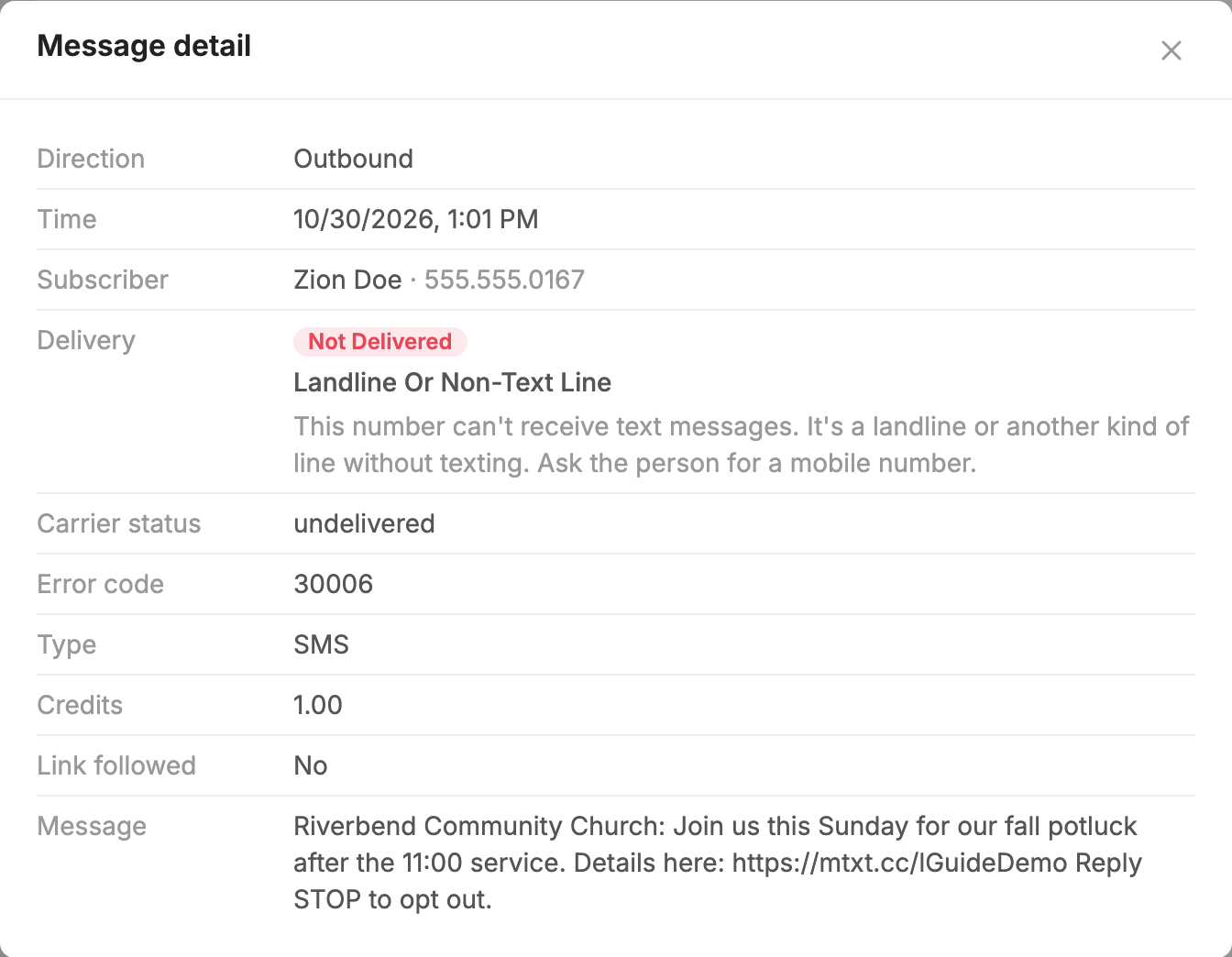
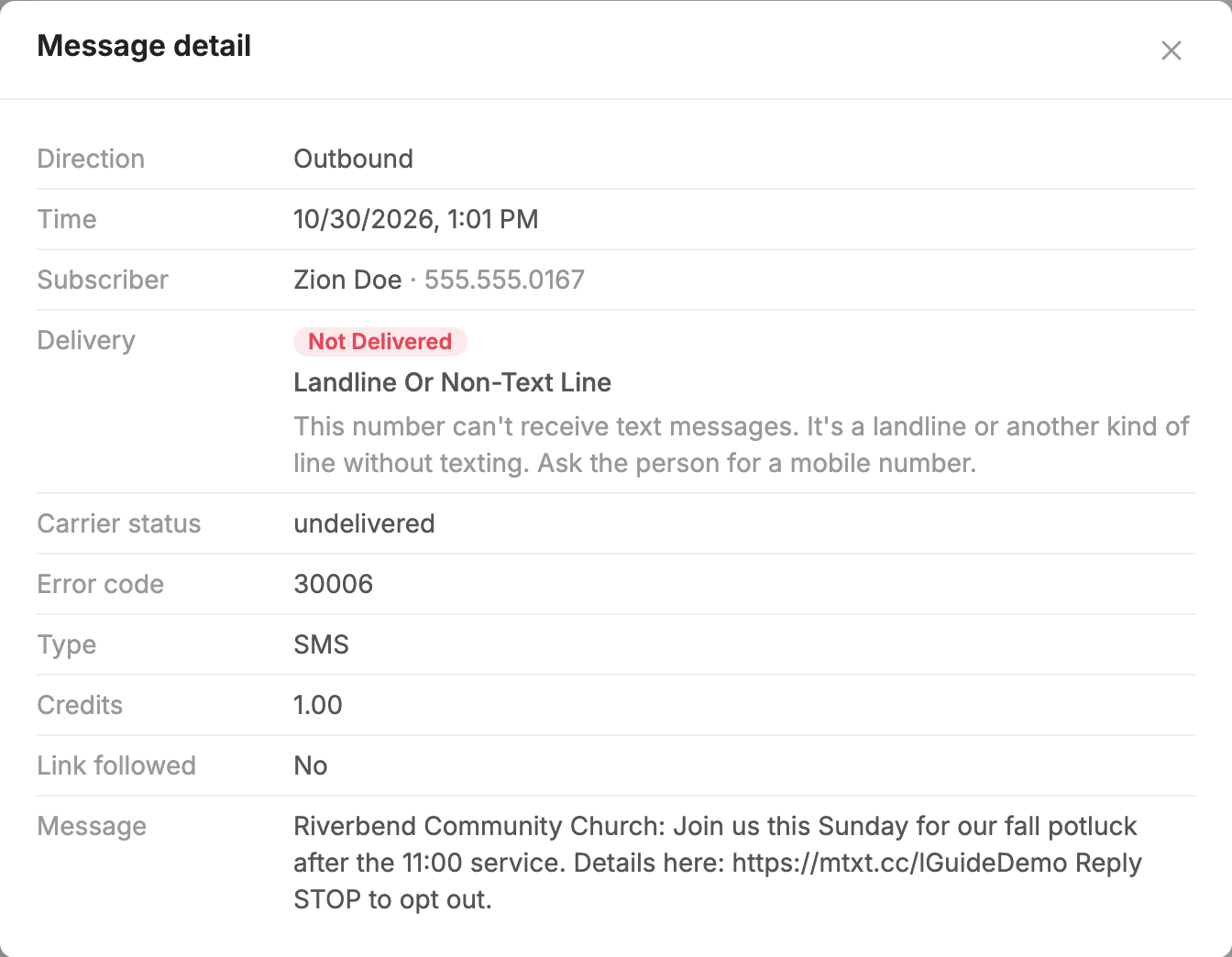
First look up the person. Why a Message Did Not Reach Someone shows you how to check whether they texted STOP and what happened to the message.
If many people aren't getting your messages, see Fix Carrier Blocking instead.
Confirm the basics
Before running the test, confirm that:
- Their phone doesn't have a spam-blocking app or filter that could block your number.
- They can get text messages from other numbers, such as friends and family.
Ask them to run this test
Send these instructions to the person, or walk them through it in person:
- From your phone, text the word HELP to our number.
- Wait for an automatic reply. If you don't get one, that's fine. That is what we're testing.
- Text another short message, such as TEST, to the same number.
- Open the conversation and take a screenshot. It should show both messages you sent (HELP and TEST), no reply in between them, and the number at the top. Include the times if you can.
- Send us the screenshot, along with your mobile number, whether you use an iPhone or Android (and the model if you know it), and about what time you sent the messages, with your time zone.
Send the results to support
Forward the screenshot and details to support@mojotxt.com, along with your organization's name and texting number. We'll review the logs, take the issue to the phone company, and follow up with you once we have a resolution.
Why this test is needed
MojoTxt can see when a message was handed to the phone company. This test gives proof from the person's phone that the message never arrived, and the phone company needs that proof to investigate.
